Contents (20 sections)
- What is custom software?
- Benefits and drawbacks of custom software
- When to choose custom software over standard software?
- Examples of custom software
- The steps to build custom software
- 1. Scoping and the specification
- 2. Screen mock-ups
- 3. Development and testing
- 4. Going live and data migration
- 5. Maintenance and changes
- What about the budget?
- How to choose a custom software developer
- Frequently asked questions about custom software
- How long does it take to build custom software?
- Do you need a specification to get started?
- Who owns the code of custom software?
- Can custom software handle electronic invoicing?
- Can existing software be taken over or extended?
- Key takeaways
- Sources
Custom software is a program designed and developed for a single company, based on its rules and the way it works. Unlike standard software sold on subscription, it follows your process, not the other way round.
The question comes up a lot at the moment. Since 1 September 2026, every company established in France must be able to receive electronic invoices, and large and mid-sized companies must issue them; SMEs, small businesses and micro-enterprises will have to from 1 September 2027. For many SMEs, the problem is not the invoicing software but everything around it: the spreadsheet that tracks quotes, the in-house tool written ten years ago, the purchase orders typed up in a word processor. This guide explains what custom software is, its benefits and its limits, when to prefer it to off-the-shelf software, the steps to build it and how to choose who will write it.
What is custom software? #
You do not buy it off the shelf: it is designed with the people who will use it, then developed, put into production and maintained. Most of the time it is a web application, opened in a browser with nothing to install; sometimes a screen on the team's phones, or a program that runs without any interface. People speak of a business application when it serves the core of the activity: a schedule of field interventions, case tracking, invoicing specific to a sector.
It stands apart from two other families. Off-the-shelf software, often sold on subscription (SaaS), serves thousands of companies with the same screens: you adapt to it. Configurable packaged software, an ERP for instance, the management software that brings together purchasing, stock, sales and accounting, is set up through options, but its underlying rules remain the vendor's. Custom software works the other way round: it follows your process. Finally, its code can belong to you, provided the contract says so, which neither of the other two allows.
Custom software is not a separate category, by the way: a custom ERP or a custom CRM, to follow your prospects and customers, are two common forms of it.
Benefits and drawbacks of custom software #
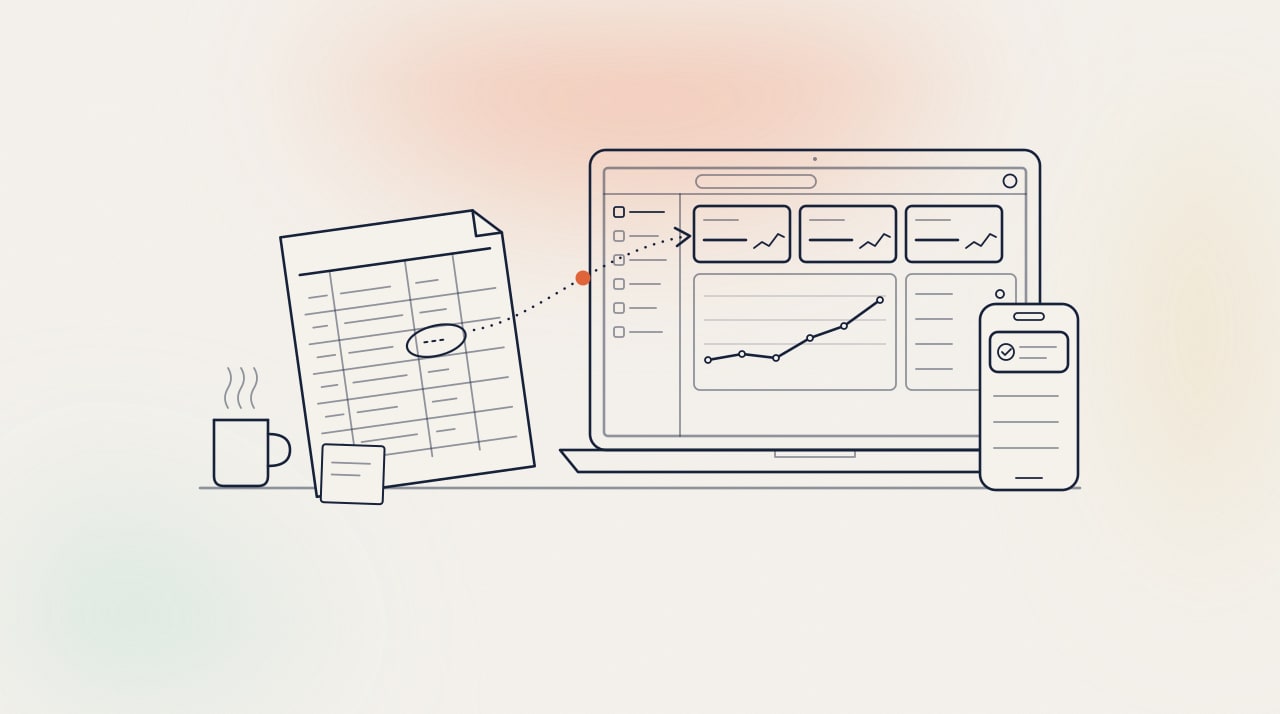
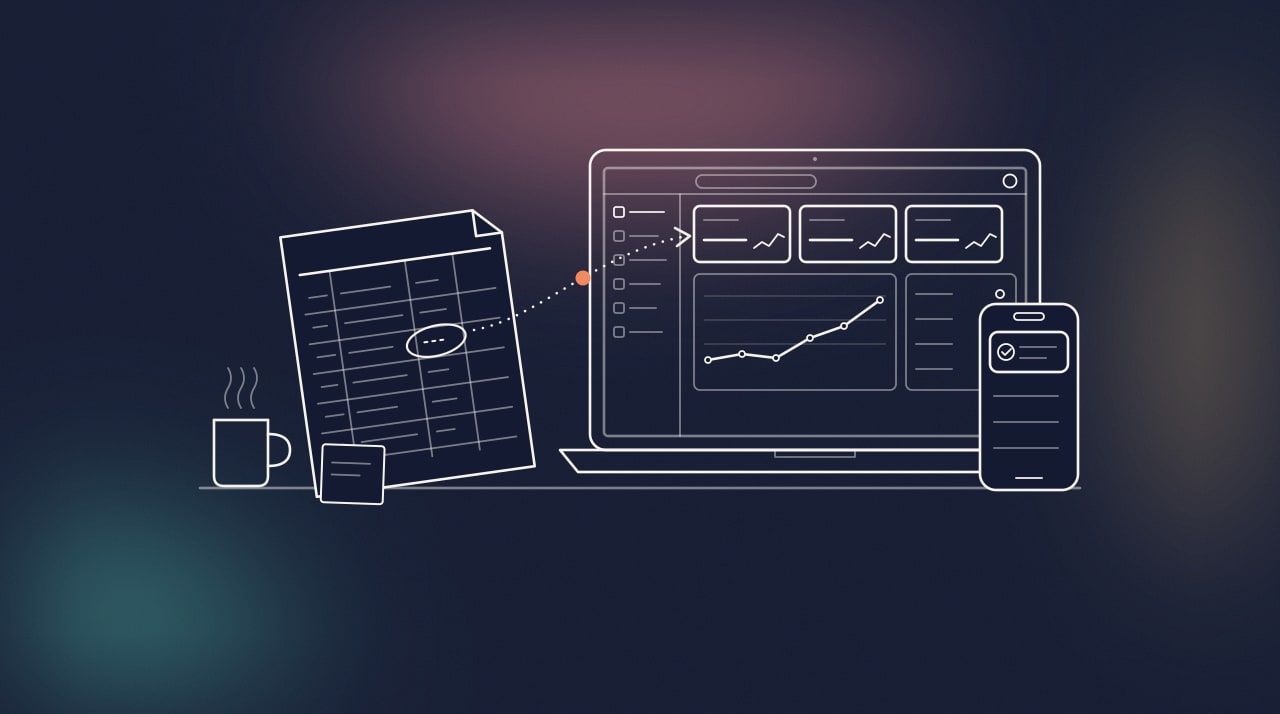
The first benefit is fit: the tool follows your rules, your words and your approval steps, and nothing more. No useless menu, no field diverted from its purpose. The second is ownership: with an assignment of rights written into the contract, you depend neither on a per-user licence nor on a vendor's choices. The third is integration: the software connects to your other tools through their APIs, the entry points a program opens to other programs, so that the same information is entered only once.
The limits are just as real. The investment is paid up front, where a subscription is spread out: the honest comparison is therefore the cost over several years, not the first invoice. It takes time, a few weeks for a small tool, several months for a business application, and your team has to give some of its own, for scoping and approvals. Finally, custom software lives on: it must be hosted, monitored and updated, and someone must be responsible for that work.
When to choose custom software over standard software? #
Custom software is not the default answer. For accounting, payroll or email, off-the-shelf software is proven, kept up to date with regulations, and generally cheaper than development. Rewriting it makes no sense. The same goes when a no-code tool, a shared spreadsheet or an online database, covers the need: as long as it is enough, keep it.
Custom software becomes worthwhile in three situations. First: you spend your time working around the tool, with exports, copy-pasting and spreadsheets on the side. Second: your business relies on several tools that do not talk to each other, and someone re-enters the same information from one screen to the next. Third: the way you work is precisely what sets you apart, and no standard software describes it. In all three cases, every hour spent working around the tool is an hour lost, and a source of errors.
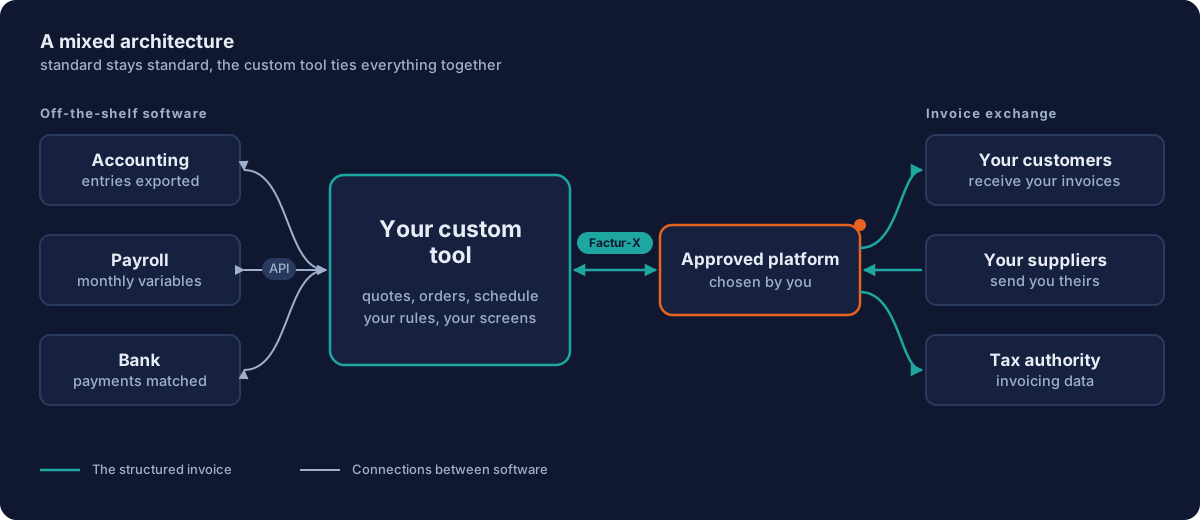
Most often, the right answer combines the two: off-the-shelf software for what is standard, and a custom tool for what is specific to you, connected to the rest. Electronic invoicing follows the same logic: your tool does not have to become a platform approved by the tax authority; it must be able to send your invoices to the one you have chosen, and receive your suppliers' invoices through it.
What does this structured format look like? A Factur-X invoice is still a PDF a person can read, but it carries an XML file that software reads without re-keying anything. Here is a simplified excerpt: the number, the date, the seller identified by its SIREN company number, then the amounts. This is the file your tool must be able to produce.
<rsm:CrossIndustryInvoice
    xmlns:rsm="urn:un:unece:uncefact:data:standard:CrossIndustryInvoice:100"
    xmlns:ram="urn:un:unece:uncefact:data:standard:ReusableAggregateBusinessInformationEntity:100"
    xmlns:udt="urn:un:unece:uncefact:data:standard:UnqualifiedDataType:100">
  <rsm:ExchangedDocumentContext>
    <ram:GuidelineSpecifiedDocumentContextParameter>
      <ram:ID>urn:cen.eu:en16931:2017</ram:ID>
    </ram:GuidelineSpecifiedDocumentContextParameter>
  </rsm:ExchangedDocumentContext>
  <rsm:ExchangedDocument>
    <ram:ID>F2026-0142</ram:ID>
    <ram:TypeCode>380</ram:TypeCode>
    <ram:IssueDateTime>
      <udt:DateTimeString format="102">20261106</udt:DateTimeString>
    </ram:IssueDateTime>
  </rsm:ExchangedDocument>
  <rsm:SupplyChainTradeTransaction>
    <!-- invoice lines, buyer, delivery: left out here -->
    <ram:ApplicableHeaderTradeAgreement>
      <ram:SellerTradeParty>
        <ram:Name>Your company</ram:Name>
        <ram:SpecifiedLegalOrganization>
          <ram:ID schemeID="0002">123456789</ram:ID>
        </ram:SpecifiedLegalOrganization>
      </ram:SellerTradeParty>
    </ram:ApplicableHeaderTradeAgreement>
    <ram:ApplicableHeaderTradeSettlement>
      <ram:InvoiceCurrencyCode>EUR</ram:InvoiceCurrencyCode>
      <ram:SpecifiedTradeSettlementHeaderMonetarySummation>
        <ram:TaxBasisTotalAmount>1000.00</ram:TaxBasisTotalAmount>
        <ram:TaxTotalAmount currencyID="EUR">200.00</ram:TaxTotalAmount>
        <ram:GrandTotalAmount>1200.00</ram:GrandTotalAmount>
        <ram:DuePayableAmount>1200.00</ram:DuePayableAmount>
      </ram:SpecifiedTradeSettlementHeaderMonetarySummation>
    </ram:ApplicableHeaderTradeSettlement>
  </rsm:SupplyChainTradeTransaction>
</rsm:CrossIndustryInvoice>
Code 380 means an invoice, scheme 0002 a SIREN number, and format 102 a date written year, month, day. Nothing mysterious: the same information as on your PDF, arranged so that a machine reads it without error.
Examples of custom software #
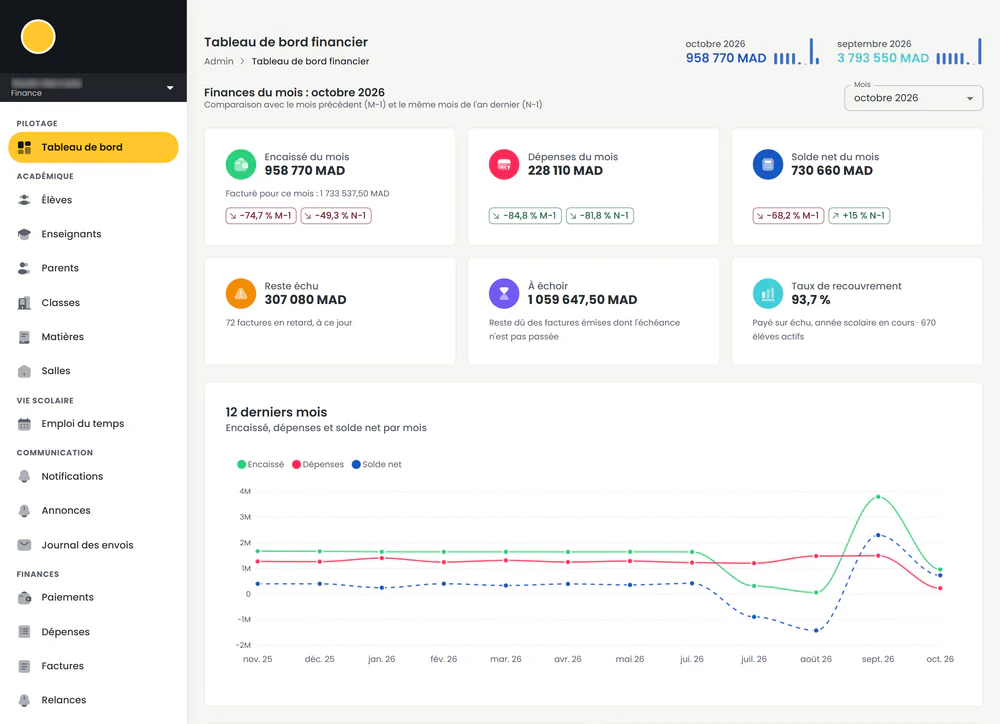
Madaris is a special case: it is our own school management software for private schools in Morocco, not a commission. We nevertheless wrote it like custom software, from what schools described to us: a daily routine that fitted in a binder and two spreadsheets. Today it handles students, timetables, attendance taken per class on the teacher's phone, monthly invoicing per family and reminders, in French, Arabic and English.
For a dance association, we wrote a platform that brings together members, seasons, registrations, membership fees and the schedule, run by volunteers. Before, the website lined up payment forms, one per class, with no link between them.
At the other end of the scale, a small program watches a booking site and alerts by email and text message as soon as a spot opens up. A single client, a need that fits in one sentence: custom software is not reserved for big projects.
The steps to build custom software #
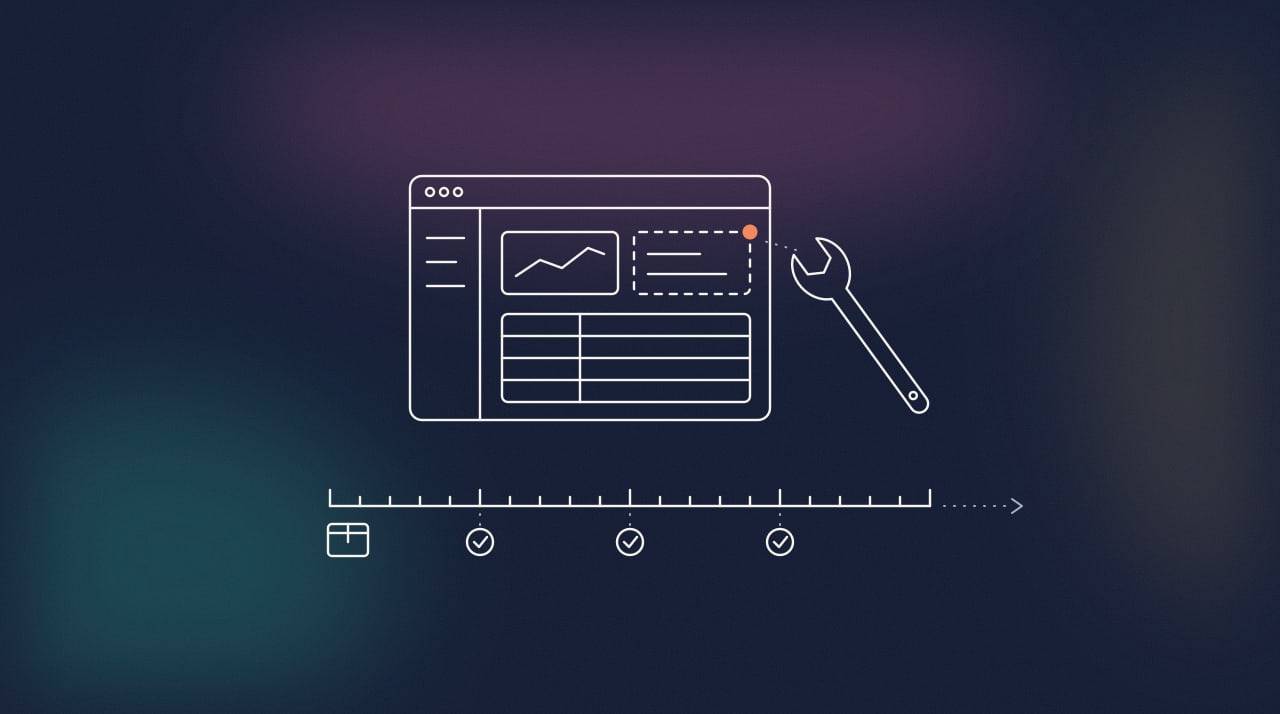
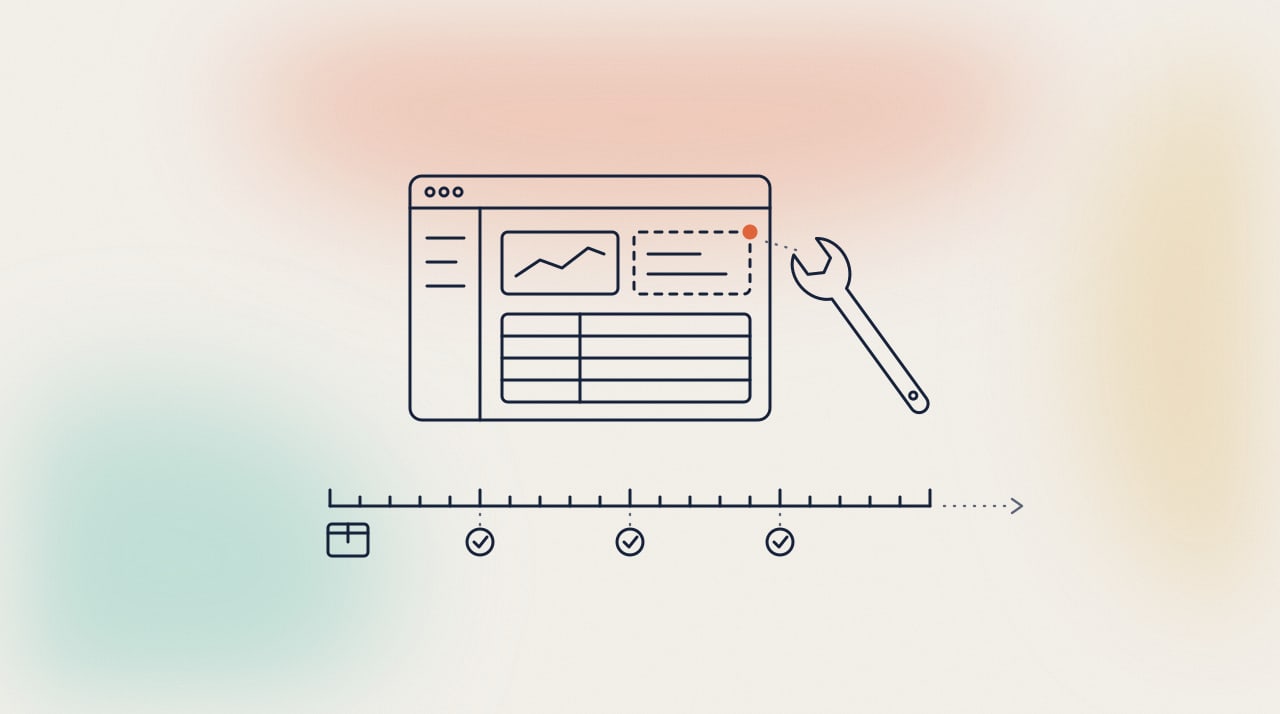
Building custom software always follows the same thread, whether the project takes a few weeks or several months. Here are the five steps, as our method applies them.
1. Scoping and the specification #
It all starts with your business: how work flows today, where it gets stuck, what must exist on day one and what can wait. There is no need to arrive with a complete specification: scoping is precisely where it gets written, with you. It ends with a quote, a timeline and the scope of the first version, the smallest one that is already useful.
2. Screen mock-ups #
Next comes design: the screens are drawn and approved with you before any line of code, because a screen is much quicker to fix on a mock-up than in the code. It is also when future users say what is missing, or what they will not use.
3. Development and testing #
Development moves forward in small steps. You see a demonstration at every step, you try it out, you ask for corrections along the way rather than at the end. Meanwhile, automated tests check the business rules with every change, so that what worked yesterday still works tomorrow.
4. Going live and data migration #
Going live is rarely a big leap. Data from the old tool, spreadsheets included, is migrated and checked with you, then the team switches over, often one department or one site at a time rather than everyone on the same day. That is the day the software starts to serve.
5. Maintenance and changes #
This is the step people too often forget: hosting, monitoring, backups, security updates, then changes, because a business evolves and the tool must keep up. Software is not finished the day it is delivered. Custom software maintenance is planned from the quote. Entrusted to a provider, it has a name: application maintenance outsourcing.
What about the budget? #
Custom software has no catalogue price, but its cost is no mystery: it depends on the number of screens, the business rules, the connections to your other tools and what must exist from the first version. We explain it, with ranges, in our guide how much does custom software cost.
How to choose a custom software developer #
Three kinds of team are on offer. A freelance developer generally costs less and suits a simple tool, but everything rests on one person: ask who takes over when they are away. An in-house team knows your business better than anyone, provided there is enough to keep it busy all year round. An agency or a small studio brings several skills together, development, hosting and security, and ensures continuity; it is the most common choice for an SME without a technical team.
Whatever the kind, four questions sort them out. The first is ownership: who owns the code once the project is paid for, and can you leave with it, documentation included, if you change provider? A serious developer says yes without hesitating, and puts it in the contract.
The second is about technology. Prefer widespread, maintained tools, such as .NET, Next.js or PostgreSQL, to name the ones we use: the day you change provider, other developers will be able to take over the code. A rare technology ties you to the people who know it.
The third is about what comes next. Who hosts the software, who monitors it, who fixes an outage, and how fast? Many projects go well until delivery, then deteriorate because nobody is responsible for them. When the team that wrote the code is also the one that hosts and maintains it, you have a single contact, and they know your case.
The fourth: ask for evidence. Projects in service rather than demonstration mock-ups, the way each step is approved with you, what is delivered with the code: documentation, tests, the procedure to get the tool running again. The answers to these questions say more than a quote.
Frequently asked questions about custom software #
How long does it take to build custom software? #
A few weeks for a simple tool, several months for a complete business application. The timeline is set during scoping and appears in the quote. If a deadline cannot move, a regulatory obligation for instance, the project is split so that what must be ready is delivered first.
Do you need a specification to get started? #
No. A description of your business, your current tools and what makes you lose time is enough for a first conversation. The specification is written during scoping, with the developer. If you already have one, it is the starting point.
Who owns the code of custom software? #
At first, whoever writes it. Under French law, a provider keeps the rights to the software until it assigns them, and the assignment must name each right assigned, with its scope, purpose, place and duration (article L131-3 of the French Intellectual Property Code). Paying for the development is therefore not enough: check the assignment clause in the contract. Only software written by an employee in the course of their duties belongs to the employer automatically (article L113-9). At Sanfytech, the full assignment of rights takes effect on full payment for the work, with the source code and the documentation.
Can custom software handle electronic invoicing? #
Yes, without doing everything itself. It produces your invoices in a structured format, Factur-X, UBL or CII, and sends them by API to the approved platform you have chosen; in the other direction, it retrieves your suppliers' invoices. If your current tool cannot do it, what is usually missing is the connection, not the whole software.
Can existing software be taken over or extended? #
Yes, it is common. It starts with an assessment of the code and the hosting: what exists, what is fragile, what it costs. Then, depending on the case, the software is taken over for maintenance or gradually rebuilt, without stopping everything at once. An in-house tool that works often deserves to be extended rather than rewritten.
Key takeaways #
Custom software is neither a luxury nor an answer to everything. It is the right choice when the way you work fits no standard tool, or when several poorly connected tools cost you hours every week. Electronic invoicing is a good opportunity to take stock: what should stay on off-the-shelf software, and what deserves a tool of your own.
It is what we do: custom software development and building business applications. We write them in Strasbourg, host them on our servers in France and maintain them ourselves. The code belongs to you, and every step is approved with you.
Torn between off-the-shelf software and a custom tool, or does your in-house tool need to move to electronic invoicing? Let's talk: the first conversation is free, and we will tell you frankly what calls for custom software and what existing software would do just as well.
Sources #
- French Ministry of the Economy, guide to electronic invoicing for companies, in French: entry into force on 1 September 2026, reception by all companies and issuing by large and mid-sized companies from that date, issuing by SMEs and micro-enterprises from 1 September 2027.
- French tax authority (DGFiP), moving to electronic invoicing, in French (updated on 1 September 2026): timeline, approved platforms, technical documentation.
- FNFE-MPE, Factur-X: the hybrid PDF and XML format, one of the three core formats of the reform.
- French Intellectual Property Code, article L131-3 (assignment of copyright) and article L113-9 (software created by employees), on Légifrance, in French.