Contents (8 sections)
Ask any administrator: “who logged in to this server last Tuesday, and what did they do there?”. If the answer starts with “we would have to look at the machine’s authentication log”, you do not have a bastion. And if the machine has been compromised, that log is worthless. That was our situation, with a fleet of more than forty machines. Here is how we got out of it, in one day, with Warpgate.
The problem was not access, it was the record #
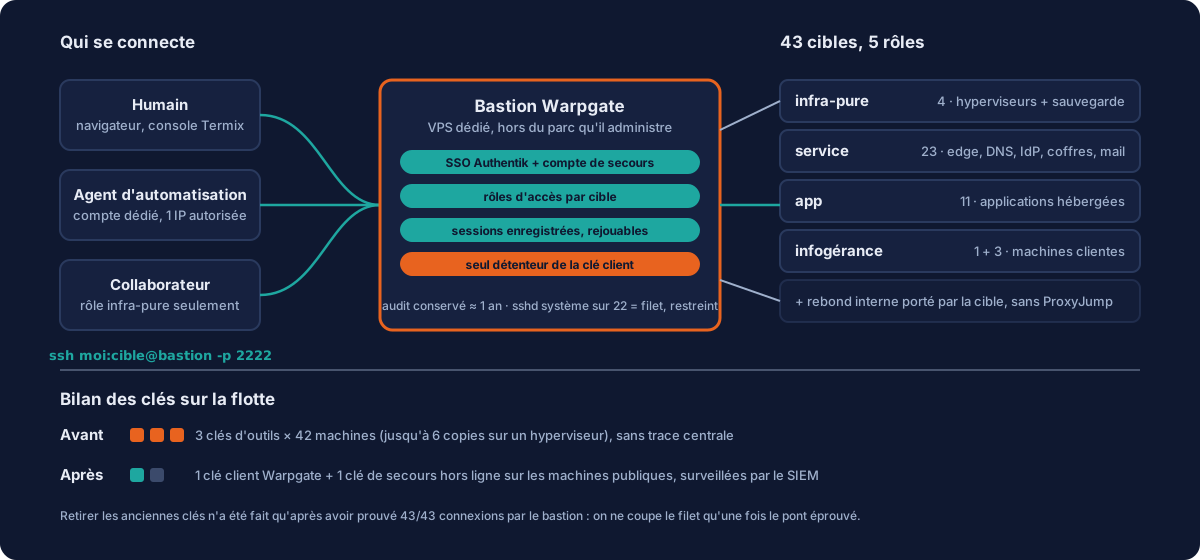
Our access was clean on paper: keys only, no passwords, fail2ban everywhere. But when auditing the authorised keys across the fleet, we counted three tool keys on every machine (ours, the console’s, the automation agent’s), with up to six copies of the same key on one hypervisor, added over the years. Each key opened forty-two doors. And there was no central record: knowing what a session had done meant trusting the machine’s own log. The ANSSI hygiene measures we had set ourselves are explicit on this: administration through a dedicated point, centralised logging, named accounts. We ticked half the boxes.
Why Warpgate #
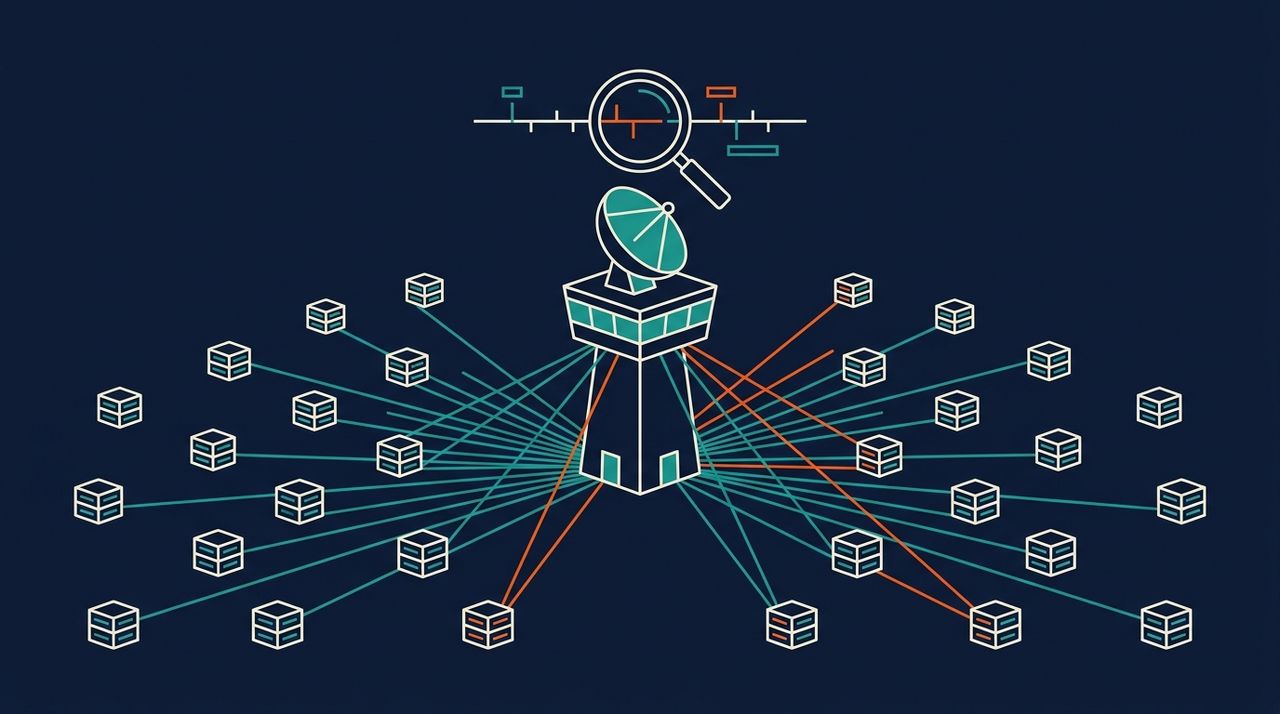
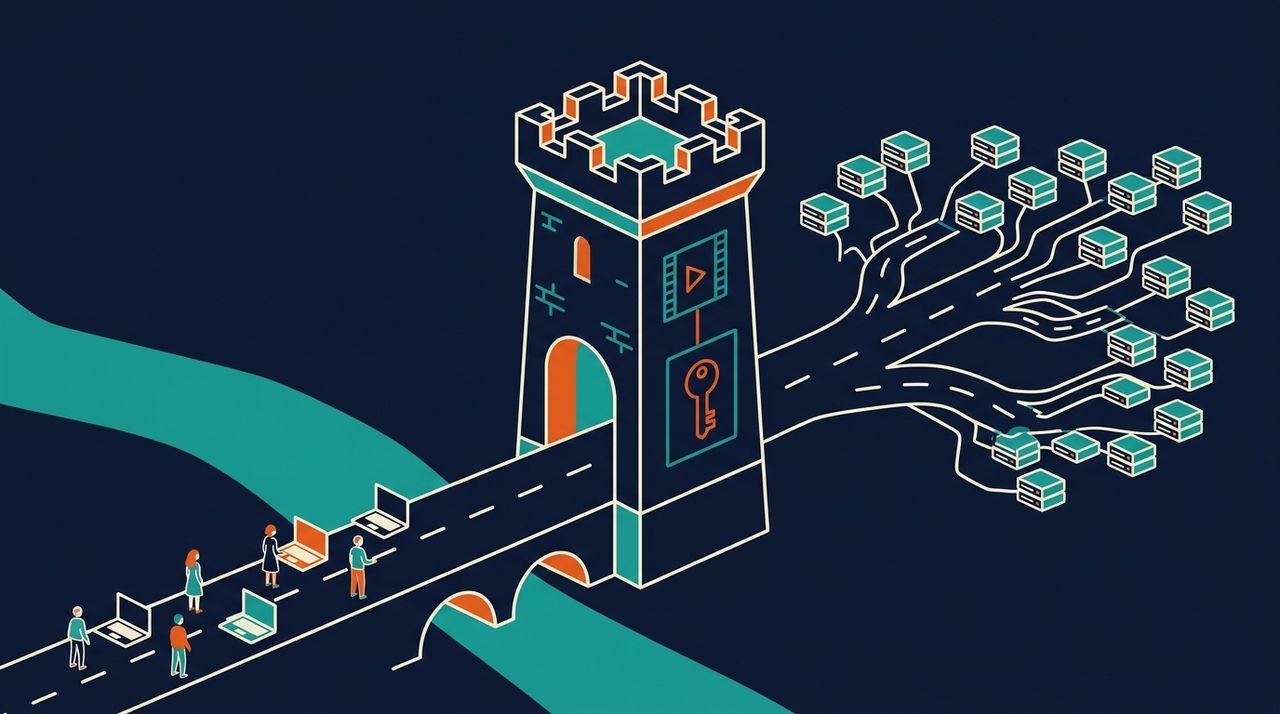
Warpgate is an open-source bastion written in Rust, by the author of Tabby. Its first quality: it is clientless. Nothing to install on workstations, no agent on servers. It sits in the data path: you connect to it, it relays to the target with its own keys, and records every session in a replayable form. Addressing fits in the SSH username: ssh me:target@bastion -p 2222. It speaks OIDC, and therefore our Authentik identity provider; it manages per-target access roles; it exposes a complete API. And it is lightweight: one container, one SQLite database, a few dozen megabytes. The alternatives we looked at were either commercial products oversized for forty machines, or classic SSH jump hosts that record nothing.
A bastion must not sit on what it administers #
We first installed it on a VM on our private administration network. That same evening, it moved to a dedicated VPS, under its own name. Two reasons. The first is practical: a bastion reachable only from a local network rules out any remote access, and makes that network’s line a single point of failure. The second is a matter of principle: the bastion must not depend on the infrastructure it administers. If it lives on the cluster it opens, a cluster outage cuts off the very access you need to fix it. Live migration for the recordings, cold migration for the database: three minutes of downtime, and the SSH host key travels with the data, so there are no warnings on the client side.
Roles: no catch-all #
Warpgate distinguishes two things that are often confused: target groups (organisational: name, colour, description) and roles (permissions). Our first reflex was a single role giving access to everything. We deleted it: a catch-all role cancels out any granularity. The fleet is divided into five roles: infra-pure (the three hypervisors and the backup server), service (23 core machines: edge, DNS, identity provider, vaults, mail), app (11 hosted applications) and two managed services roles for client machines. A colleague who only works on the hypervisors gets infra-pure, and nothing else. Note the paradox: it is the smallest role in number and the widest in scope, since root on a hypervisor controls all its guests.
Automation agents have their own account #
We administer this fleet with the help of an AI agent, and it initially used a human’s token: everything it did was attributed to that human, a step backwards compared with direct SSH, where its key was separate. So it was given its own account in Warpgate: key-only authentication (which in effect shuts it out of the web interface), a single authorised source IP address, no administration role, and access roles widened target by target, never wholesale. The audit now distinguishes the agent from the human. And when the user decided that “the agent does not need to be the fleet’s emergency route”, its direct key was removed from the forty-two machines. Then its access to the bastion itself, deemed too sensitive: it is the machine that holds the identity of everything else.
Key consolidation, in the right order #
The real benefit only comes at the end: as long as the old keys remain on the servers, the bastion is just one more key. So, machine by machine and with a backup, we removed the console’s key (it is now only used to present itself to the bastion), then the agent’s: 66 lines deleted. Checked both ways at every step: direct access refused, 42 connections out of 42 through the bastion. What remains on the fleet is Warpgate’s client key, our deployment server’s key, and an offline emergency key on the public machines, whose use triggers a top-level alert in our SIEM. The safety net is now: the bastion’s local account, the hypervisor console, and the management card of the dedicated servers.
The pitfalls that each cost us a round trip #
- The image runs as user 1000. A data folder owned by root makes the installation fail with a “permission denied” that does not tell you it is an ownership problem.
- The image tag is
0.28.6, notv0.28.6; the git repository uses the v, the registry does not. And the non-interactive install command does exist even though it is not documented: it is the one you need for a reproducible installation. - The external host must not include the port, contrary to what the documentation says: the binary silently ignores it and the SSO callback URL goes out without a port, hence a 400 from the identity provider. The port has its own parameter, and if left empty it falls back to the internal listening port, not 443.
- The OIDC issuer URL must match the one in the discovery document character for character, trailing slash included. The built-in verification tool does not catch this error: only a browser test reveals it.
- Warpgate requires a verified e-mail from the identity provider. A new account without this attribute is refused without any useful explanation. Set it before inviting anyone.
- An account created through SSO has no administration rights. The token is valid, the API answers 401 to everything: the admin role has to be assigned explicitly. And be aware that an API token is never “read-only”: it can add a key to the account or remove its second factor. Holding the token means holding the account.
- Host key verification requires a terminal. A non-interactive connection to an unknown target returns without output or error code, which looks like a network problem. The right way is the administration API, after comparing the key with an independent source: it is a moment of blind trust, so do not record it without cross-checking.
- No built-in ACME: a standalone certbot and a deployment script that copies the certificate and restarts the container.
Living with it: monitoring, growth, blind spots #
The bastion has become the most critical point in the fleet, so it is monitored as such: availability probes, metrics, a dashboard dedicated to the authentication chain (bastion and identity provider), and a SIEM agent, the most useful of all since it carries the record of every access. Recordings grow by about 5 MB and 380 files a day, with a built-in one-year audit retention: the 40 GB disk will last more than two years. One blind spot we accept: two machines on our private administration network remain structurally unreachable from a bastion on the Internet, and keep direct access, without any record. We would rather say so than hide it.
“Who did what, where and when” is the first question a client, an insurer or an auditor asks after an incident. Answering it by replaying the session rather than digging through scattered logs is part of what we call serious managed services. If your current answer fits in an authorized_keys file nobody has re-read in two years, let us talk.