
Contents (4 sections)
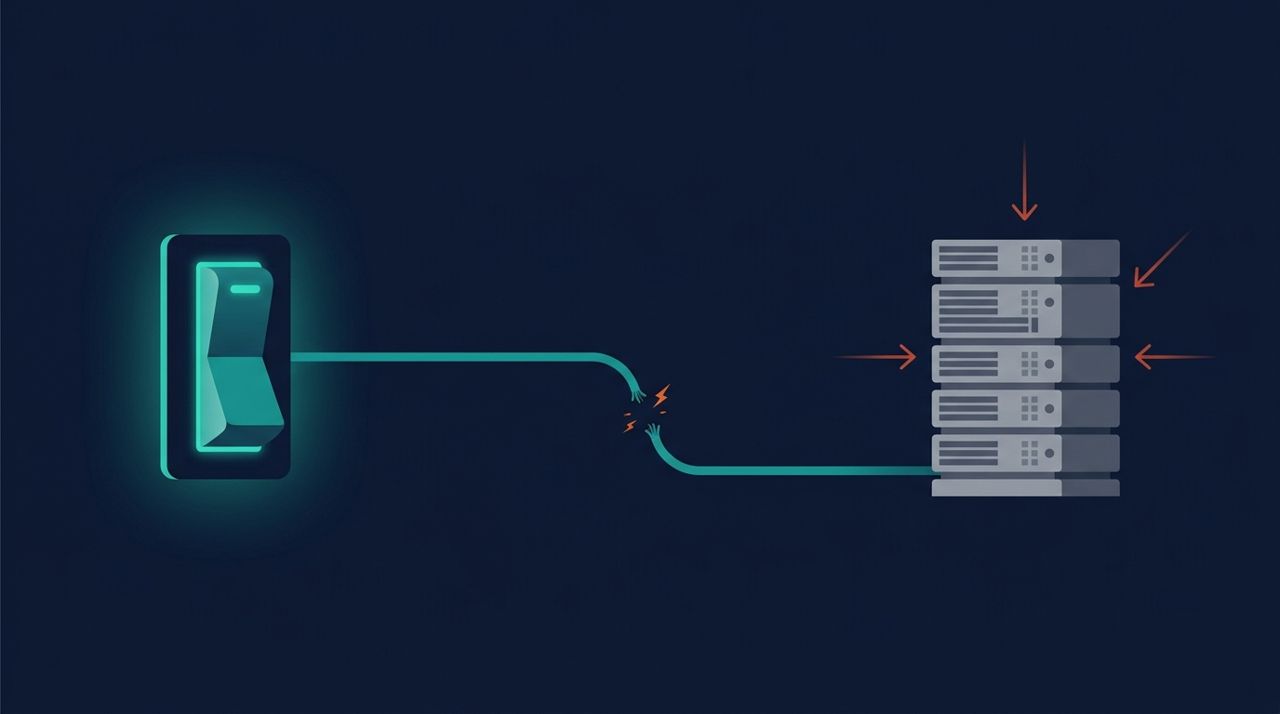
The Proxmox firewall has a deceptively simple interface: a Firewall box on each machine’s network card, ticked by default at creation. Ticked means protected, right? No. This box is a switch… that may not be connected to any circuit. We found this on our own fleet during an audit: machines with public IPs, firewall “enabled”, in reality open to the whole world. Here is the exact anatomy of the trap, and how to check your own setup in thirty seconds.
Three levels, and a counter-intuitive hierarchy #
The Proxmox firewall is configured at three levels: datacenter (the whole cluster), node (each hypervisor) and guest (each VM or CT). Intuition says datacenter rules “trickle down” to everything it contains. The reality of the code is different: datacenter-level and node-level rules protect the hypervisors themselves: their SSH, their admin interface. They never apply to guest traffic. Believing that a datacenter rule such as “SSH restricted to our IPs” covers the whole fleet means leaving every VM with a public IP exposing its own SSH to the world.
The trap: a switch with no circuit #
For a guest to actually be filtered, two cumulative conditions are needed: the firewall=1 box on its network interface, and a rules file specific to the guest (/etc/pve/firewall/<vmid>.fw) containing at least enable: 1 and a policy. The box alone does nothing: no default policy, no implicit blocking, all traffic passes. And since the box is ticked automatically at creation, the fleet naturally fills up with machines that display a firewall without having one.
# The check, from a cluster node:
ls /etc/pve/firewall/
# cluster.fw  105.fw  133.fw ...

# Cross-check against the guests that carry a public IP:
# any exposed machine WITHOUT its <vmid>.fw is a hole.

# And the final arbiter: test FROM OUTSIDE
nmap -Pn <guest-public-ip>
Our audit: 4 machines protected out of 9 #
Real figures from our internal audit: out of nine machines with public IPs, only four had a rules file. Five “enabled firewalls” filtered nothing. An instructive bonus: an active rules file referenced a guest… deleted long ago: the mirror image of the trap, a rule without a machine. Two lessons: this flaw does not show in the interface (everything looks normal), and it can only be detected by an audit that cross-checks the list of rules files against the list of exposed machines.
The complete recipe #
# /etc/pve/firewall/<vmid>.fw: the bare minimum for an exposed guest
[OPTIONS]
enable: 1
policy_in: DROP
policy_out: ACCEPT

[RULES]
IN ACCEPT -p tcp -dport 80
IN ACCEPT -p tcp -dport 443
# SSH: never open to the world, restricted to an ipset of admin IPs
IN ACCEPT -source +admin-ips -p tcp -dport 22- When creating any exposed machine: the network card and its rules file are set up together, never one without the other. It is a checklist line, not something to remember.
- ipsets (defined at datacenter level) centralise the lists of admin IPs: when an IP changes, there is only one place to update.
- When deleting a machine: remove its rules file, because orphaned rules are the noise that will hide the next real hole.
- Periodically: re-scan from outside. A firewall is proven, not assumed.
This trap is a textbook case of our conviction that security is a series of verified details: the tool is good, the interface is clear, and the flaw arises precisely because everything looks configured. The audit that uncovered it on our side is part of what we apply to the infrastructure we manage. If your exposed machines have never been scanned from outside, start there.