
Contents (3 sections)
ZFS has a rare quality: it can detect and repair silent corruption, those bits that degrade on disk without any application noticing. But this check, the scrub, does not start by itself: it has to be scheduled. And that is where a discreet trap awaits minimal installs: the scheduling set up by the ZFS packages assumes a component that is not always there.
The trap: cron jobs without cron #
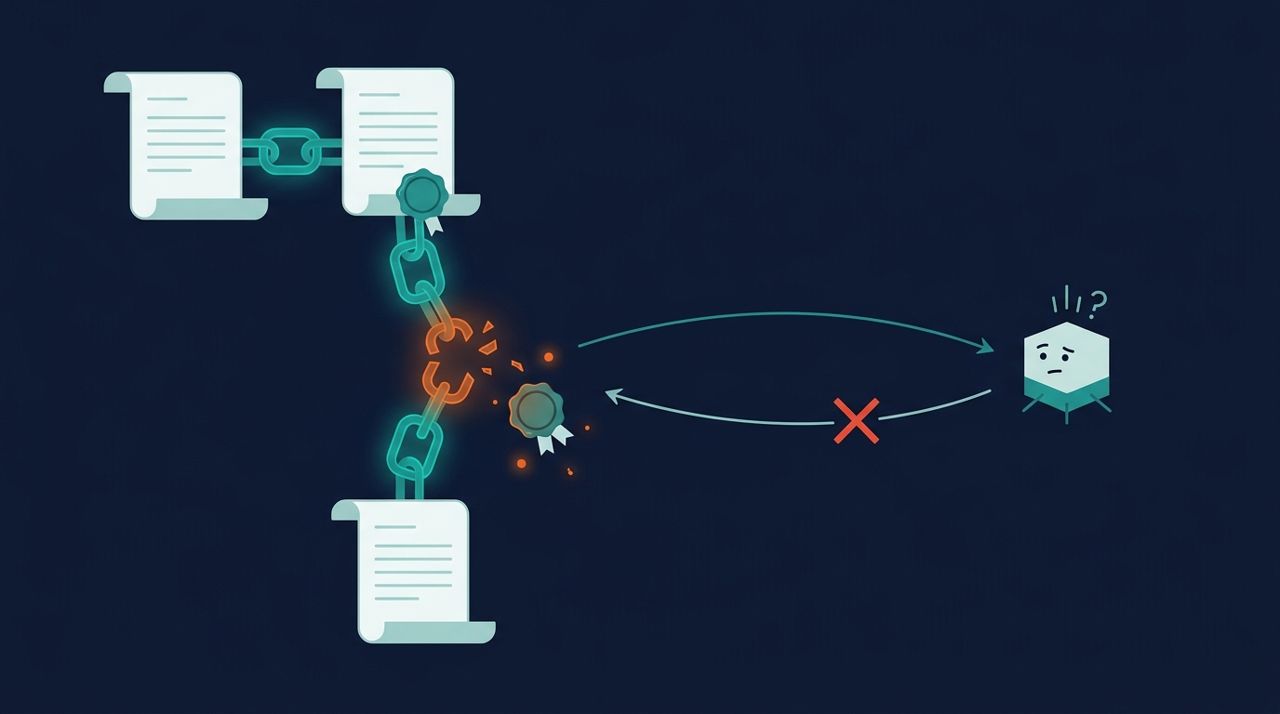
On Debian, the zfsutils package places a file in /etc/cron.d/ that runs a monthly scrub of each pool. Everything therefore rests on one assumption: that a cron daemon reads this folder. Yet on a minimal install (and we found this on Proxmox hypervisors in our own fleet), the cron package may not be installed at all. The files in /etc/cron.d/ are then dead text: nothing reads them, nothing runs, and nothing reports it. The pool proudly shows state: ONLINE while silent corruption builds up without ever being looked for.
It is a classic design flaw: maintenance that fails silently is worse than no maintenance, because it gives the illusion of being covered. Thirty seconds is enough to find out where you stand:
# Is the cron daemon even installed?
dpkg -l cron 2>/dev/null | grep ^ii || echo 'cron ABSENT'

# What is it expected to run?
ls /etc/cron.d/

# Date of the last scrub that actually ran:
zpool status | grep scan
# 'scrub repaired 0B in ... ' + recent date = OK
# 'none requested' = no scrub has EVER run
If the scan line shows none requested on a pool that has been in service for months, you have just found the same problem we did.
The clean fix: systemd timers #
Rather than installing cron for two tasks, you might as well hand scheduling to something that is already there and can be monitored: systemd. Two template units (@) are enough for all pools; here is the monthly scrub:
# /etc/systemd/system/zfs-scrub@.service
[Unit]
Description=ZFS scrub of pool %i

[Service]
Type=oneshot
ExecStart=/usr/sbin/zpool scrub -w %i

# /etc/systemd/system/zfs-scrub@.timer
[Unit]
Description=Monthly ZFS scrub of pool %i

[Timer]
OnCalendar=*-*-01 03:00
RandomizedDelaySec=6h
Persistent=true

[Install]
WantedBy=timers.target
Same pattern for TRIM on SSD pools (zpool trim), weekly in our case. Enable per pool, then check, and this is where systemd pays off: scheduling becomes observable:
systemctl enable --now zfs-scrub@rpool.timer
systemctl enable --now zfs-trim@rpool.timer

# The proof, at any time:
systemctl list-timers 'zfs-*'
# NEXT = next run, LAST = last run: no more blind spotThe last link: being told #
A scrub that finds errors is useless if nobody reads it. ZFS provides ZED (ZFS Event Daemon), which can send notifications on events, but its default configuration sends nothing, and its e-mail notification assumes a working local MTA, which modern servers no longer have. On our side, the loop is closed differently: the state of pools and timers feeds into central monitoring, which alerts through the channels already in place. Whatever the tool, the principle is the same as for backups: every maintenance task must prove that it ran, and shout when it fails.
This is typically the kind of check our managed services cover: no magic, just a list of things that must run, and proof that they do. Any doubt about your ZFS pools? The three commands at the start will give you the answer; so will we, if needed.