
Contents (16 sections)
- PBS client/server architecture
- Source-side deduplication: why PBS is hard to beat
- Compression: zstd versus lzo and gzip
- Zstandard (zstd)
- LZO (legacy)
- GZIP (legacy)
- Multi-level retention policy
- keep-last
- keep-daily
- keep-weekly
- keep-monthly
- keep-yearly
- Protection against deletion
- Automatic audit of VMs without backups
- The 3-2-1 strategy applied to PBS
- Conclusion
When you leave the big US tech platforms to host things yourself, you are not only leaving their application services: you are also leaving their resilience infrastructure. No more transparent multi-zone replication, no more free 30-day versioning, no more one-click “restore the state from two weeks ago” button. All of that has to be rebuilt, and that is exactly what Proxmox Backup Server (PBS) lets you do, with engineering that stands comparison with the commercial providers.
This article breaks down the PBS architecture and gives the exact parameters for a backup policy that withstands the three main disaster scenarios: hardware failure, application corruption and ransomware attack.
PBS client/server architecture #
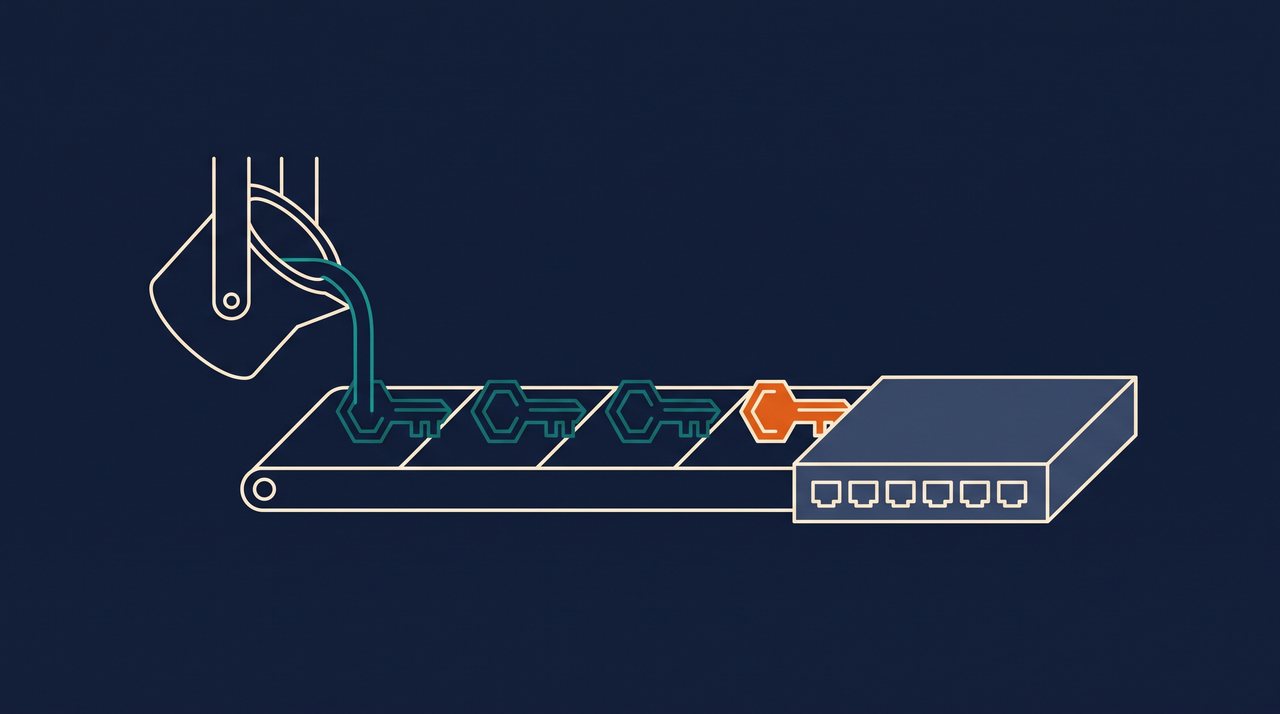
PBS is not a simple periodic dump. It is a dedicated server (a VM or a separate physical server) that talks to the Proxmox cluster over an optimised protocol. The flow is as follows: the PVE client splits the VM disks into fixed-size blocks, computes a hash of each block, and sends the PBS server only the blocks not yet present in the datastore. Blocks are compressed with Zstandard, then encrypted on the client side if the key is enabled, before crossing the network.
- Client side (Proxmox VE):
proxmox-backup-client, built intovzdumpsince PVE 7. Nothing extra to install. - Server side (PBS): a dedicated Debian instance with one or more ZFS or ext4 datastores. Ideally on separate hardware.
- Protocol: multiplexed HTTP/2 over TLS, authenticated by API token or user credentials.
- Datastore: a structured directory that stores the chunks (deduplicated blocks) and the per-snapshot indexes. Growth stays under control thanks to global deduplication.

Source-side deduplication: why PBS is hard to beat #
Deduplication is not a compression option: it is what makes backing up 20 similar Debian VMs take up the space of just one in the datastore. In practice, on a typical cluster of 10 Linux VMs + 3 Windows VMs, the deduplication ratio observed in production is between 5× and 12×, meaning you store 100 GB on the PBS server for what would take 600 GB with naive backups.
Better still, deduplication is global across the datastore. So a new VM cloned from an existing one takes up almost nothing in its first backup: only the blocks actually changed since the template.
Compression: zstd versus lzo and gzip #
PBS has used Zstandard by default since its first release. Compared with the options inherited from vzdump (lzo, gzip), zstd wins on all three counts at once.
Zstandard (zstd) #
- Speed: extremely fast, with throughput close to an uncompressed disk copy.
- Multi-threading: native. Uses as many CPU cores as are available.
- Compression ratio: excellent, better than lzo, close to gzip at an equivalent level.
LZO (legacy) #
- Speed: moderate.
- Multi-threading: no.
- Compression ratio: low. Avoid it unless you have very old hardware.
GZIP (legacy) #
- Speed: slow.
- Multi-threading: no.
- Compression ratio: high, but the CPU cost makes backups very long.
Multi-level retention policy #
PBS implements a five-level retention grid that covers any historical compliance need without filling up the storage. The basic rule: keep many recent snapshots, and fewer and fewer as you go back in time.
keep-last #
- Role: immediate protection before or after critical updates.
- Recommended value: 3 to 5.
- Coverage: a few hours to a few days depending on backup frequency.
keep-daily #
- Role: daily window for fine-grained restores.
- Recommended value: 13.
- Coverage: two full weeks, day by day.
keep-weekly #
- Role: weekly history.
- Recommended value: 8.
- Coverage: two calendar months.
keep-monthly #
- Role: a year of coverage for compliance needs.
- Recommended value: 11.
- Coverage: a full year, month by month.
keep-yearly #
- Role: long-term archive.
- Recommended value: 9.
- Coverage: up to 10 years, for legal compliance or cold archiving.

Protection against deletion #
Modern ransomware no longer just encrypts production data: it actively looks for backup servers on the network to erase snapshots before demanding a ransom. PBS has two mechanisms that can be combined to block this scenario.
The first is the .protected sentinel file placed in a backup group: as long as it exists, PBS refuses any delete operation on that group's snapshots, including from the admin interface. The second is fine-grained permission management per API token: a PVE client only has the Backup right, never the Datastore.Modify right.
# Protect a backup group against any deletion
touch /mnt/datastore/backups/vm/100/.protected

# Check the permissions of the token used by the PVE client
proxmox-backup-manager user list-tokens backup@pbs
# The token must have only the Datastore.Backup roleAutomatic audit of VMs without backups #
The main risk in a backup policy is not a software bug. It is the VM created at 11 pm on a Tuesday that never gets added to the backup pool and that you discover three months later, in the middle of an outage. The Proxmox API exposes an endpoint dedicated to this check.
# List all VMs and CTs with no scheduled backup
pvesh get /cluster/backup-info/not-backed-up --output-format json

# Typical output:
# [{"vmid":"105","type":"qemu","name":"web-staging"},
#  {"vmid":"203","type":"lxc","name":"redis-cache"}]
This command fits into a daily cron job that parses the JSON output and automatically adds the machines it finds to a dedicated backup job called NewVMs. No VM slips through the net.
#!/bin/bash
# /usr/local/sbin/audit-backups.sh - run as a daily cron job
ORPHANS=$(pvesh get /cluster/backup-info/not-backed-up --output-format json)
COUNT=$(echo "$ORPHANS" | jq 'length')
if [ "$COUNT" -gt 0 ]; then
  echo "$COUNT VM/CT sans sauvegarde detectees" | mail -s "[PVE] Audit backup" admin@exemple.fr
  echo "$ORPHANS" | jq -r '.[].vmid' | while read VMID; do
    pvesh set /cluster/backup/NewVMs --vmid "+$VMID"
  done
fi
The 3-2-1 strategy applied to PBS #
The universal backup rule still holds: 3 copies of the data, on 2 different media, 1 of them offsite. With PBS, it looks like this.
- Copy 1: the production data on the VM disks.
- Copy 2: the local PBS datastore on ZFS with daily snapshots (the first line of defence against corruption).
- Copy 3: a second, remote PBS (a VPS with a sovereign hosting provider) that pulls the backups every night through the PBS sync-job mode.
- Offline bonus: an encrypted external USB disk on a monthly rotation, physically taken offline to another location. Completely immune to network attacks.
Conclusion #
PBS is not an optional module: it is the piece that makes infrastructure sovereignty genuinely comparable with what the big platforms promise. Without it, you have a fragile private cloud. With it, you have a private cloud that survives failures, mistakes and attacks.
Setting it up properly takes about a day, and that time pays for itself at the first incident, which always comes sooner than you think. To go further on the underlying infrastructure, the LVM to ZFS guide shows how to enable replication between nodes, combining resilience through backups with resilience through redundancy.