Contents (7 sections)
If you work in tech, you have certainly heard this little tune before: “What, you still take notes by hand? You haven't connected ChatGPT to your inbox? Careful, mate, in six months you'll be replaced.” Since the explosion of generative AI, a real pressure to be super-productive has set in. On LinkedIn, in open-plan offices, in the corridors of the SMEs I work with in Strasbourg: not having a “100% AI” workflow has almost become a synonym for incompetence.
What if this frantic quest for artificial productivity actually hid a vast social illusion? I have 15 years of development behind me, I use Claude and Copilot every day, and I am going to tell you frankly what I think of all this.
Fear marketing as a driver of adoption #
Let us be clear: the prevailing panic about AI replacing everyone does not come out of nowhere. The tech giants (OpenAI, Anthropic, Microsoft) and an army of content creators play on a formidable psychological lever: FOMO, the fear of missing the train. By selling the idea that an AI can do everything (replace designers, developers, writers, accountants), they create a climate of permanent urgency.
The underlying message is crystal clear: buy our subscriptions, follow our courses, or you are finished. The smartest have understood that we are in an attention bubble where anxiety sells. The reality on the ground is very different.
The dangerous illusion of the “100% AI” workflow #
The idea that a professional can sit at their desk, dictate three sentences to an AI and let it do the job while they sip a coffee is a fantasy. “All-AI” does not exist, and worse: it can turn out to be downright counterproductive. Take the now iconic example of meeting transcription and summary tools. On paper, it is magic. In practice, here is what I see at my clients:
- Passive listening: knowing that the AI records everything, participants disengage, do something else, and the meeting becomes a gathering of ghosts
- A loss of critical thinking: taking notes yourself forces the brain to summarise in real time and to identify the key actions that concern you
- Information overload: a four-page AI summary in PDF will take longer to read, sort and digest than a few bullet points scribbled in a notebook
- A false written record: who really rereads these transcripts later? Nobody. They sleep in a Drive, creating the illusion that knowledge has been archived
A facade of productivity #
Today we are seeing the emergence of a facade of productivity. In many companies, you have to appear to be at the forefront. Simple tasks are delegated to AI, even if it means spending more time perfecting the prompt than doing the task yourself. I saw a project manager spend 40 minutes asking GPT to write him a six-line e-mail, an e-mail he would have written in 4 minutes on instinct.
Why? Because social pressure pushes people to prove they have mastered these new tools. It is the same reflex as the Teams meetings where everyone shows their Notion window open: productivity theatre.
Human expertise remains (for now) unmatched #
We are regularly promised tools capable of generating perfect designs or complex code with no human involvement. But put these tools in the hands of an expert, and the verdict is blunt. An experienced designer, with their intuition, their eye and their understanding of the in-house design system, fixes a visual problem in 30 minutes where an AI will spin for hours on generic adjustments.
On the code side, same thing. On a well-structured .NET 10 or Next.js project, an AI assistant really does speed up writing repetitive code (DTOs, mappings, basic unit tests). But as soon as it comes to settling an architecture decision, understanding why a client prefers Blazor to React because they already have 30 C# developers, or anticipating a side effect six months out, the AI is lost. It executes. It has no context, no vision, no memory of past incidents.
The real answer: the hybrid approach #
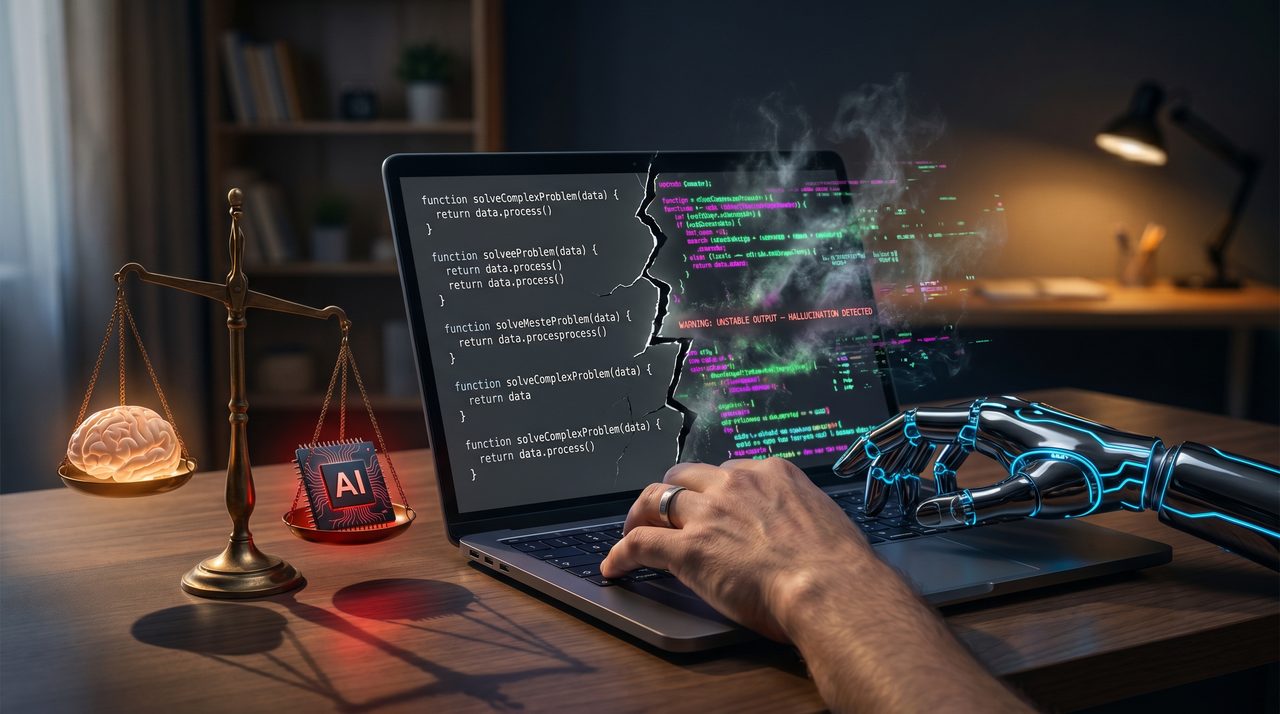
Does that mean rejecting AI? Absolutely not. It is a tremendous tool, provided you put it back in its rightful place. The most powerful workflow today is not “100% AI” but the hybrid approach. Here is the grid I apply for myself and recommend to my clients:
- Use AI to automate repetitive, low-stakes tasks: generating boilerplate, a first draft of technical documentation, summarising a long external article that you will reread
- Use AI to get a head start on research, brainstorm angles, spot a typo or an obvious bug
- Disconnect from AI to think deeply, brainstorm with a human, show empathy or critical thinking
- Disconnect from AI for structural decisions: architecture choices, commercial refocusing, change management, incident management
- Disconnect from AI when a sticky note or a whiteboard will do the job in 2 minutes
And the GDPR question nobody asks #
A quick reminder for French SMEs: when you run ChatGPT, Copilot or a cloud transcription tool on client meetings, HR data or commercial contracts, you are sending that content to servers that are often American, and often subject to the Cloud Act. The “productivity gain” is sometimes paid for in exposure of strategic data. On this subject, I much prefer open-weight models running locally or on a sovereign server (Mistral or Llama hosted at OVH, Scaleway, or an in-house Proxmox), even if it means losing a little finesse.
Keeping control of your brain #
Do not be ashamed to take your notes on a sticky note, draft a project plan on a whiteboard, or reread a contract line by line with a pen. If it stimulates your creativity and saves you real time (not perceived time), then it is your best method. Do not give in to tech panic. Do not become a mere button-pusher who approves whatever the machine produces. Keep control of your brain, and let AI be what it should be: an assistant, not a replacement.
And if you ever want to challenge your own workflow, or think about how to bring AI into your SME without falling into these traps, we can discuss it: that is exactly the kind of scoping I do with my clients in Strasbourg and the surrounding area.